Integrate FreshDesk with YellowAnt
Click on Add Integration button on top right of your YellowAnt Bot console. From list of integration choose Freshdesk.

Add your Freshdesk API key and Freshdesk URL.
How to use Freshdesk with YellowAnt Bot
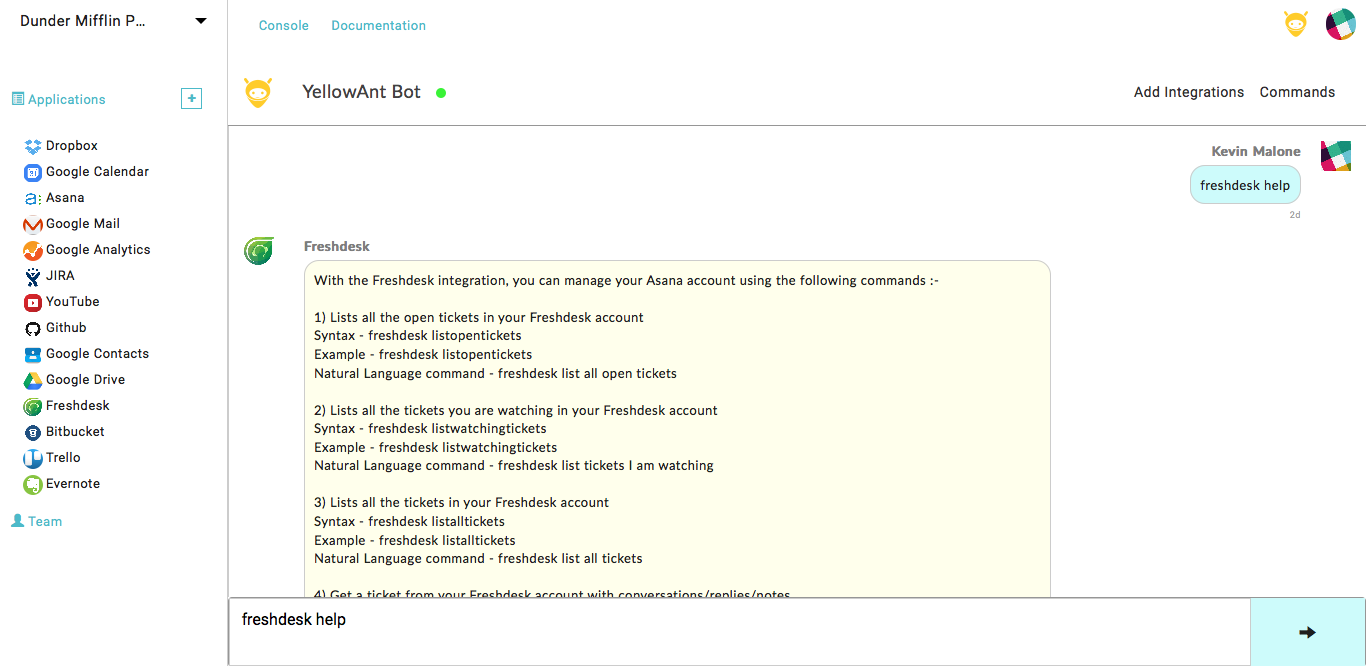
YellowAnt Bot can help you with available freshdesk commands by typing
*freshdesk help
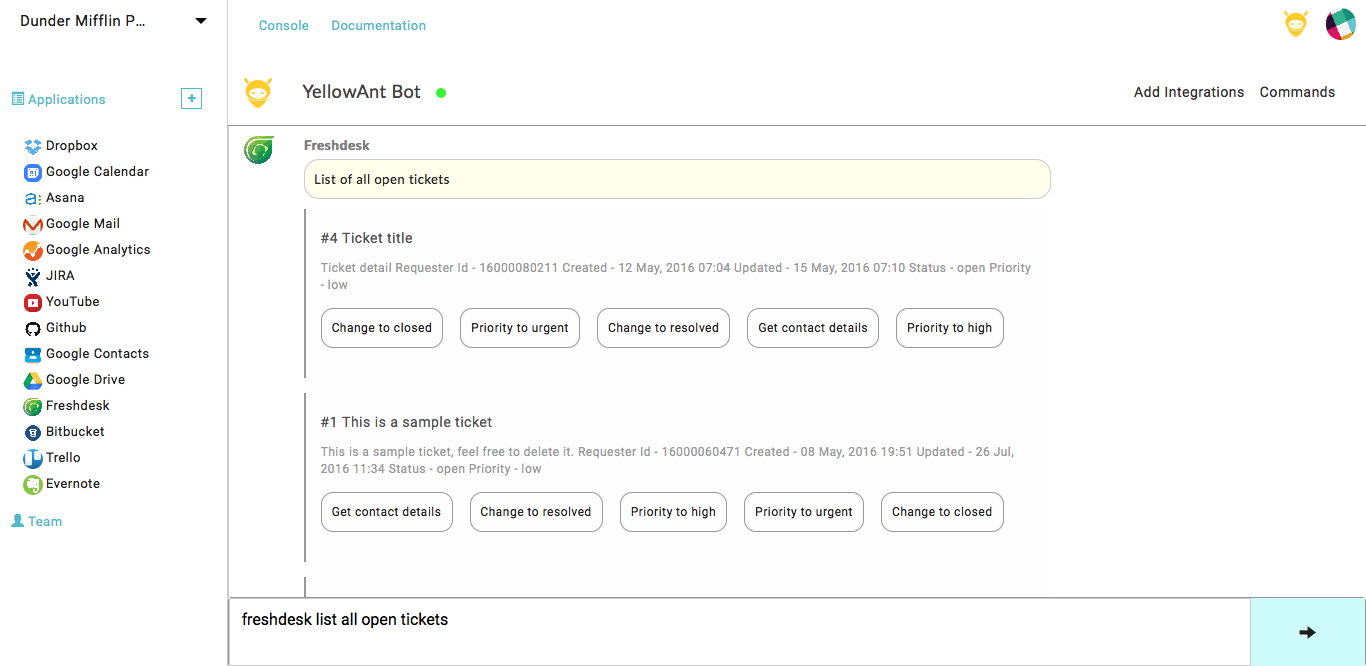
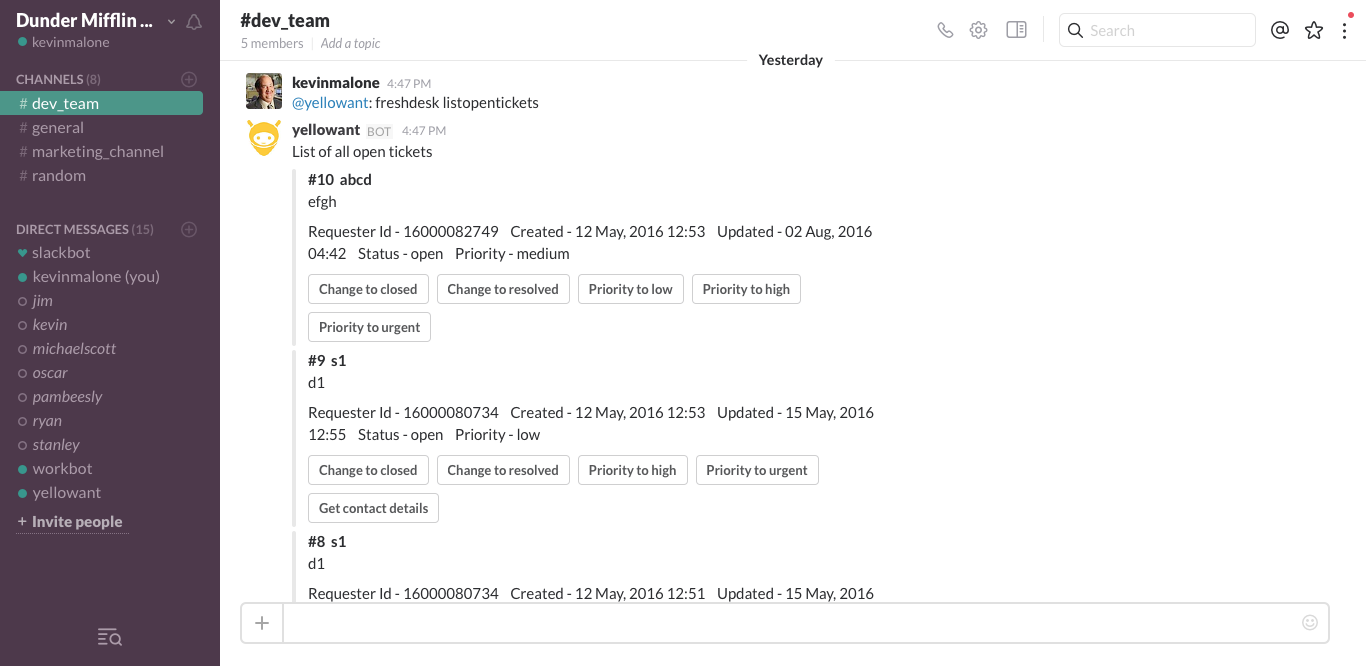
YellowAnt Bot can be asked to list all open tickets in your Freshdesk account.
*freshdesk list all open open tickets
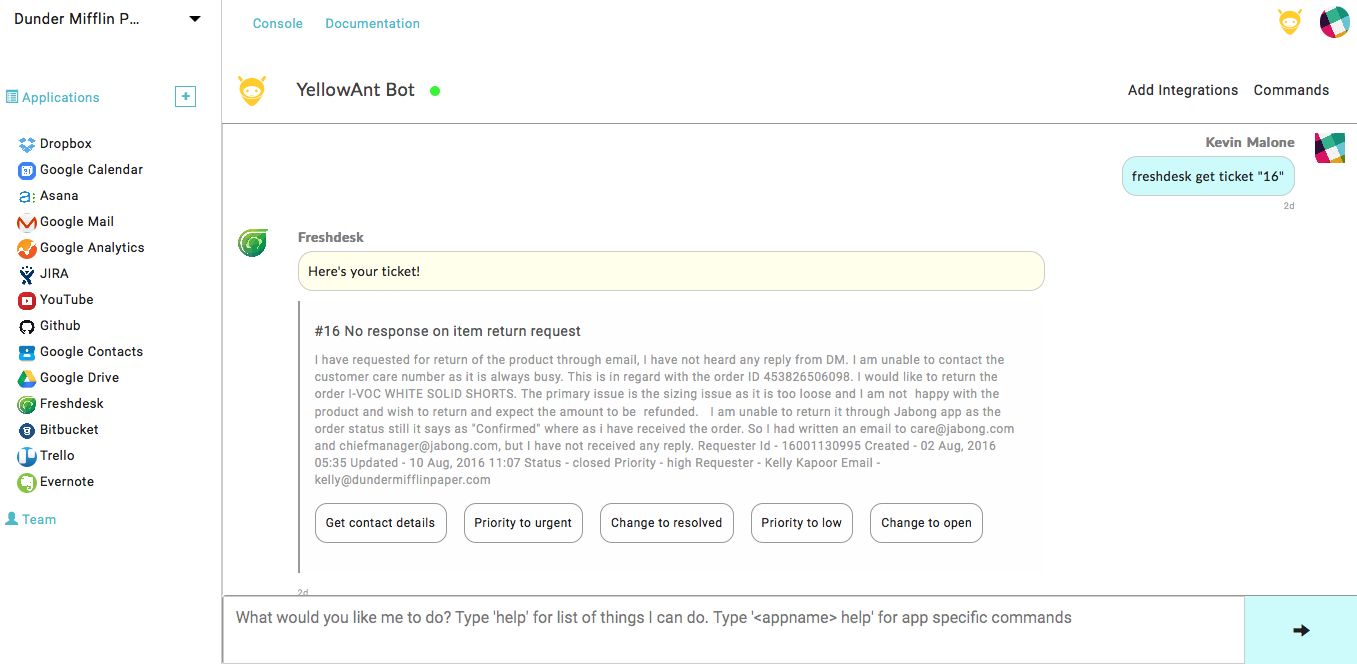
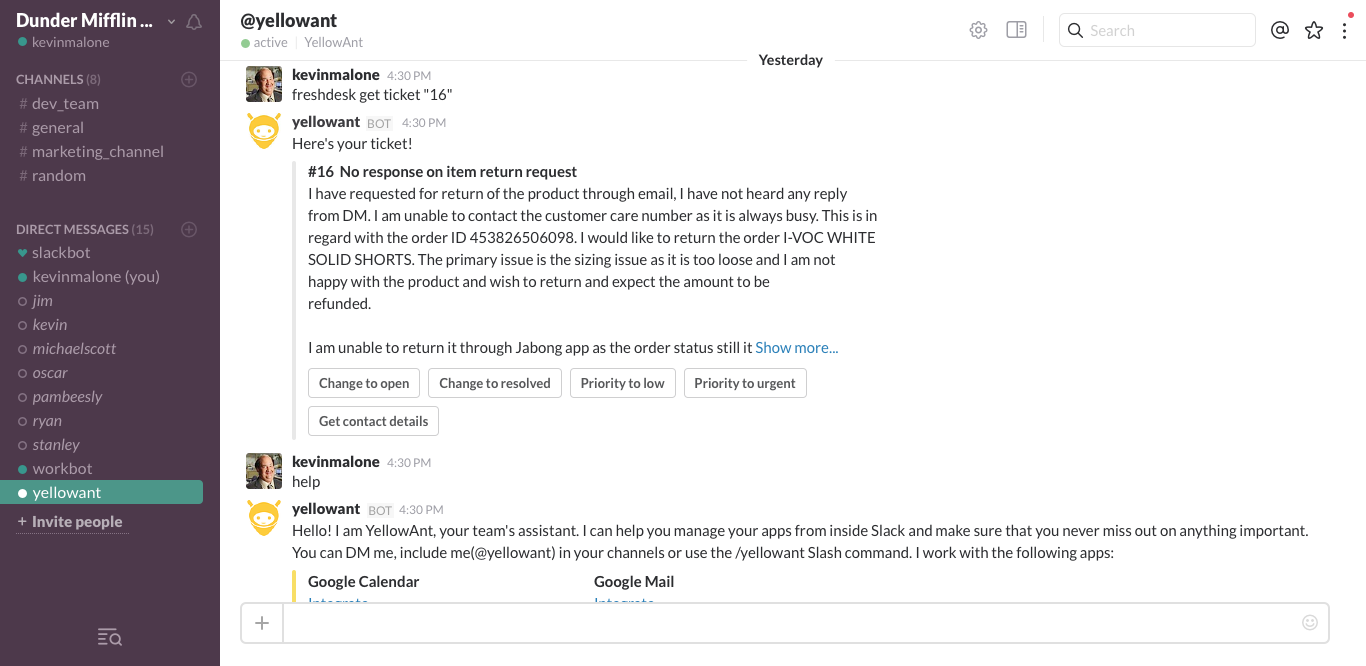
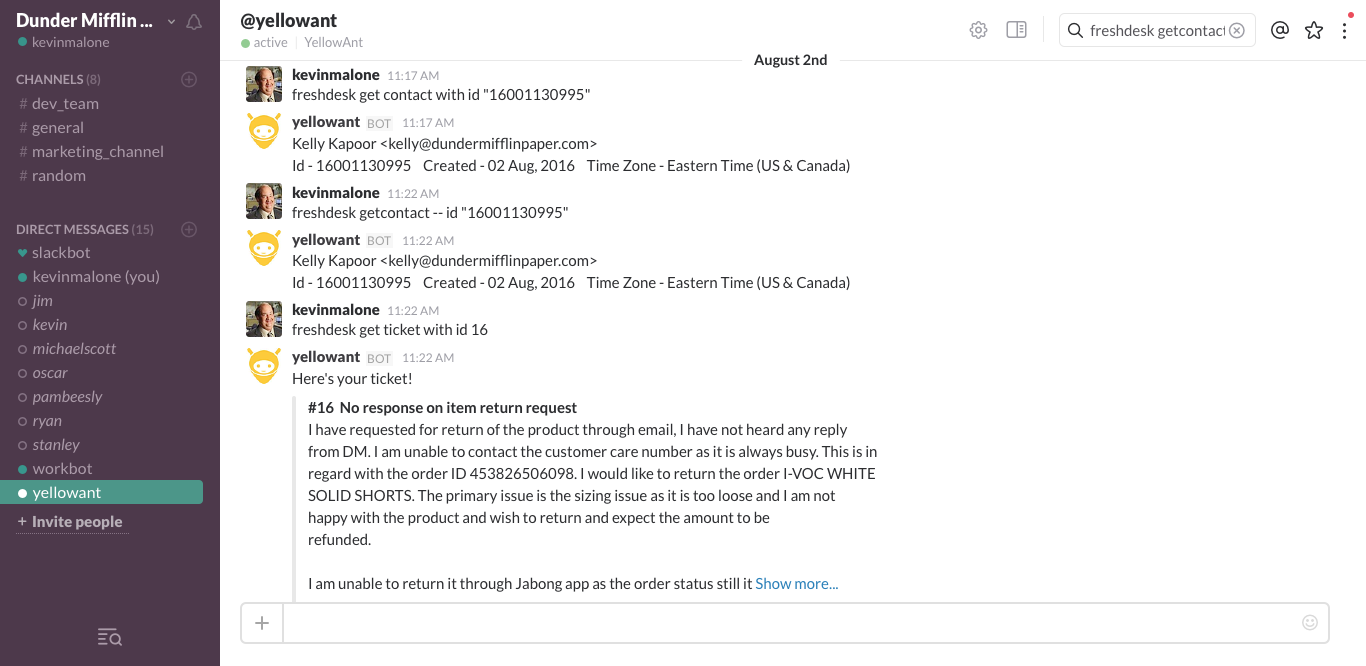
YellowAnt Bot can be asked to get a ticket from your Freshdesk account.
*freshdesk get ticket "<ticket number>"
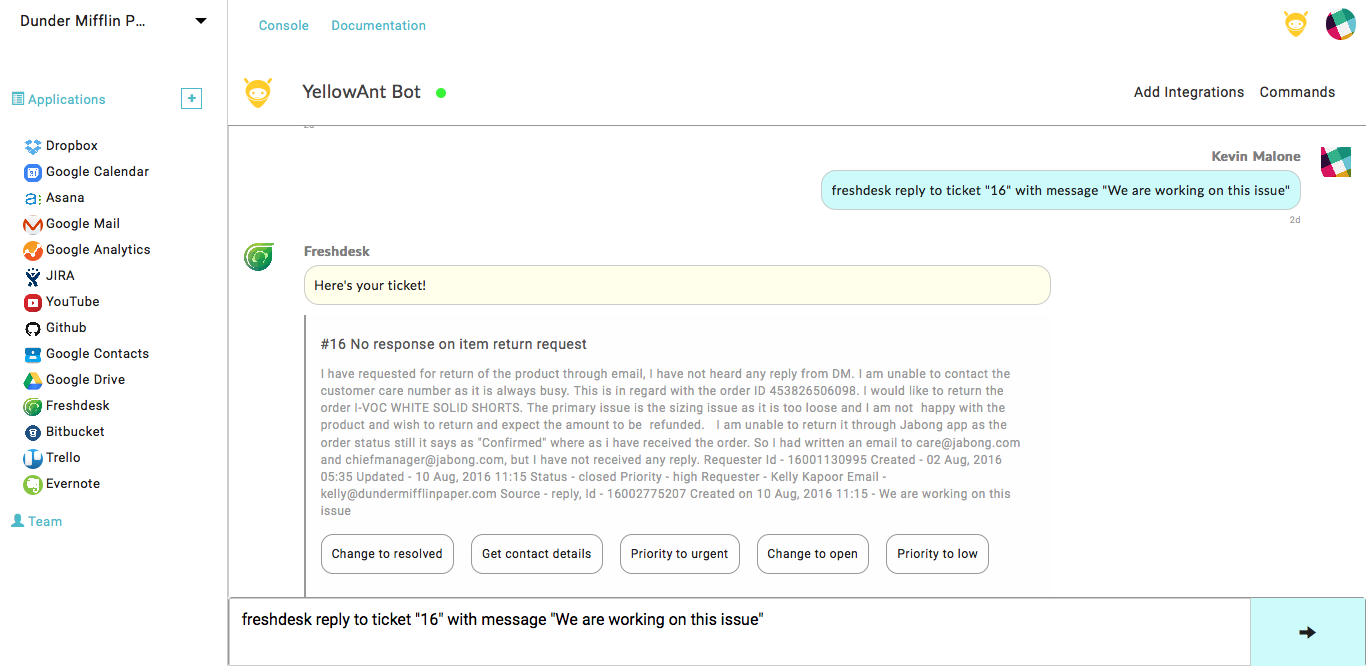
YellowAnt Bot can be asked to reply to a ticket in your Freshdesk account.
*freshdesk reply to ticket "<ticket number>" with message "<Message Content>"
You can also use all the above commands from your slack .
YellowAnt bot tutorial