Create YellowAnt Bot
Go to Integration by clicking on your Team name drop down on Top Right and then expanding options on right side.
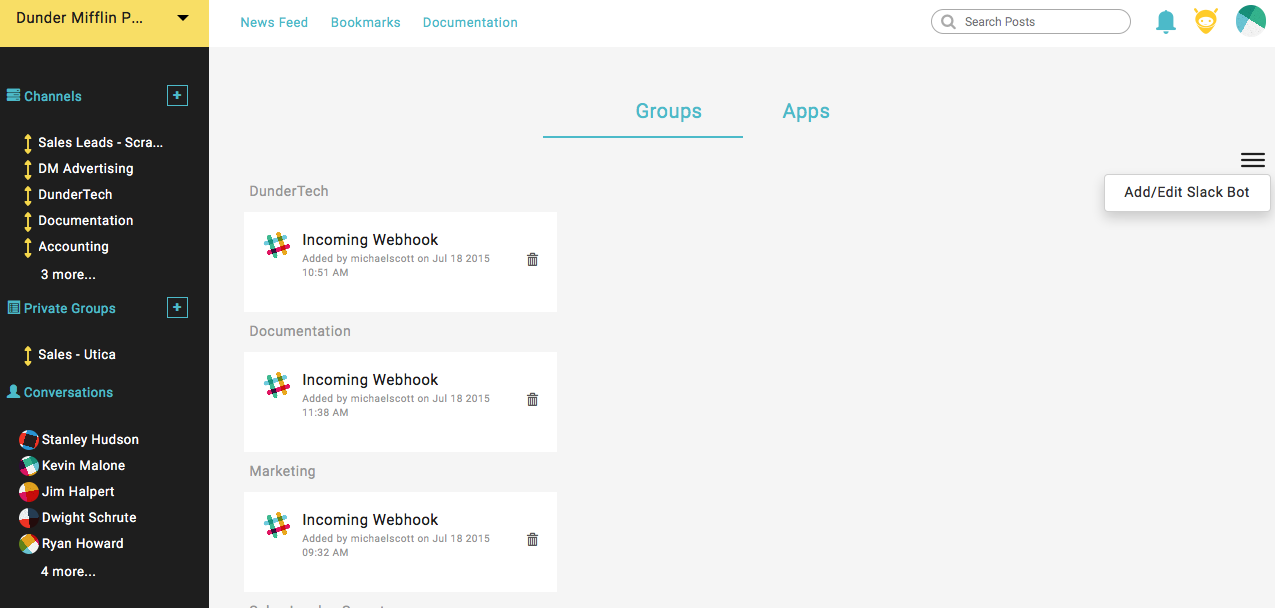
Add YellowAnt bot to your slack.
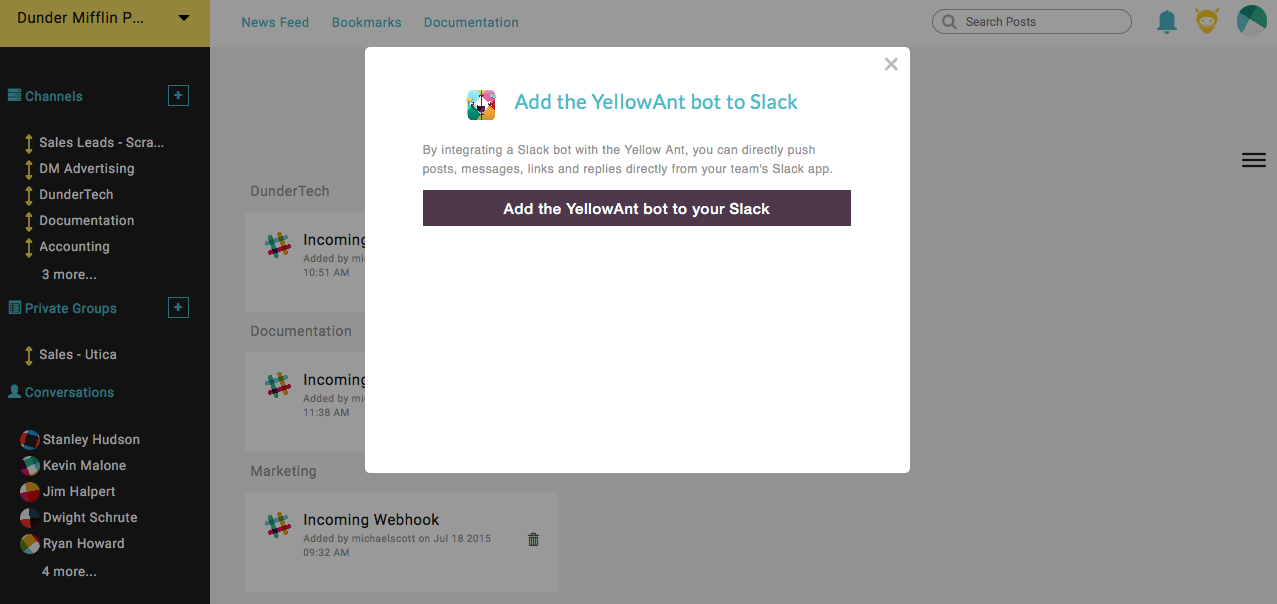
Just invite YellowAnt bot to any of your Spaces.
How to use YellowAnt Bot
YellowAnt Bot can be asked to do lot of stuff with different apps. Currently YellowAnt Bot integrates with Google(Gmail, Calendar, Drive, Contacts), Trello, Twitter, Github and Evernote.
YellowAnt Bot with GMail
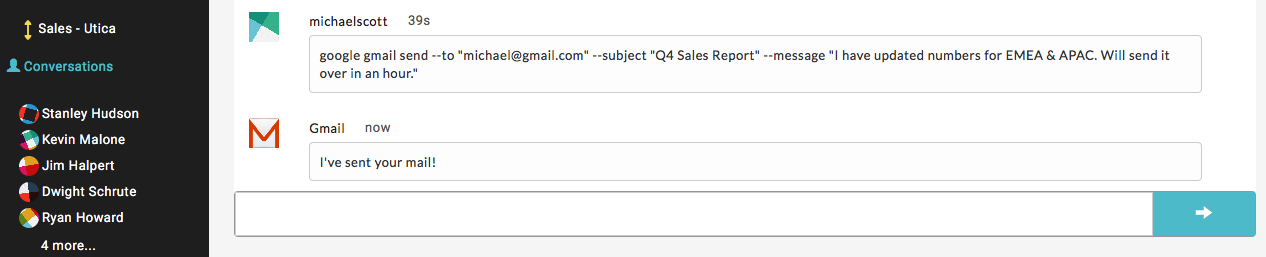
YellowAnt Bot can be asked to send email through your GMail account.
- `google gmail send --to "
" --subject " " --message " "
YellowAnt Bot can be asked to fetch your GMail emails.
google gmail latest- Fetch latest emails from your personal category
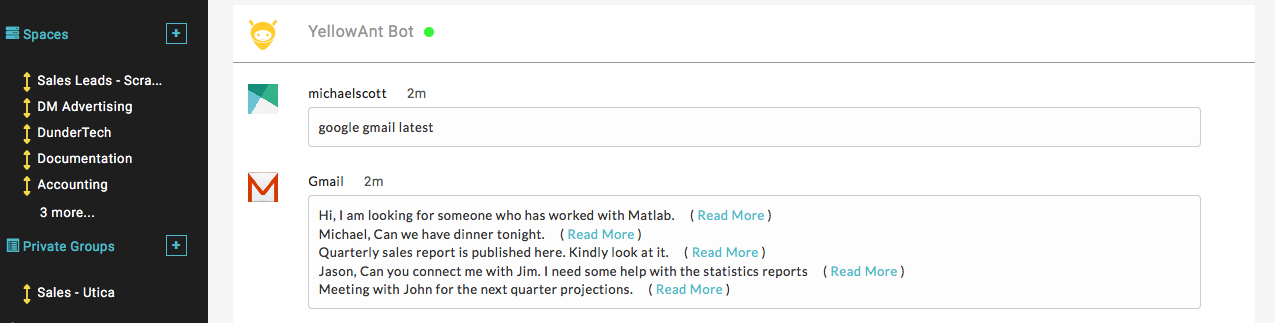
google gmail inbox- Fetch latest emails from your inbox

In case you do not remember defined labels, you can ask YellowAnt Bot to fetch that for you.
google gmail labels- List of labels in your GMail account

YellowAnt Bot with Google Drive
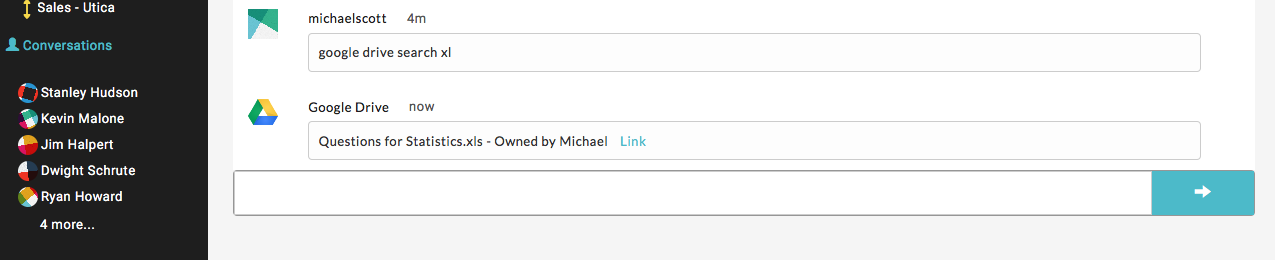
google drive search xl- List documents in your google drive with the keyword
YellowAnt Bot with Google Contacts
google contacts search kevin- Search your google contacts through YellowAnt Bot

YellowAnt Bot with Google Calendar
google calendar create an event <event description with time>. <Invite email1, email2 ...>- Create an google calendar invite with sending invites to relevant people

YellowAnt Bot with Twitter
twitter tweet <your tweet>- You can ask YellowAnt Bot to tweet on your behalf.

YellowAnt Bot with Github
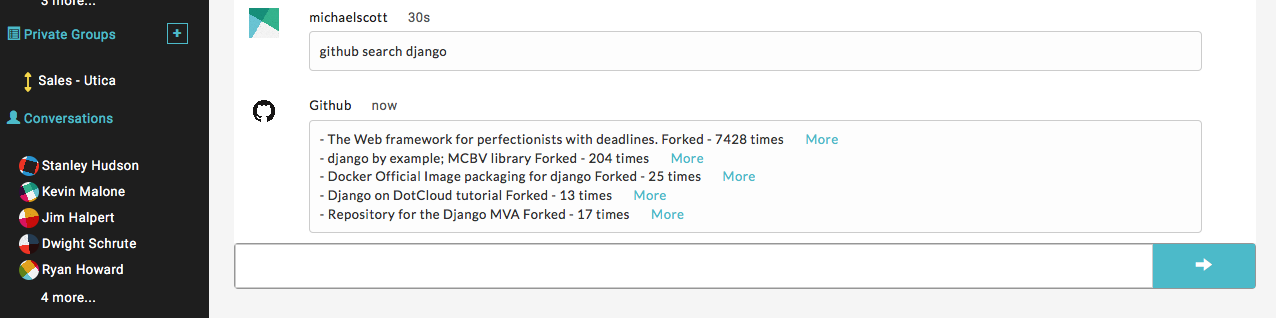
github search <repo name>- Search repositories on github
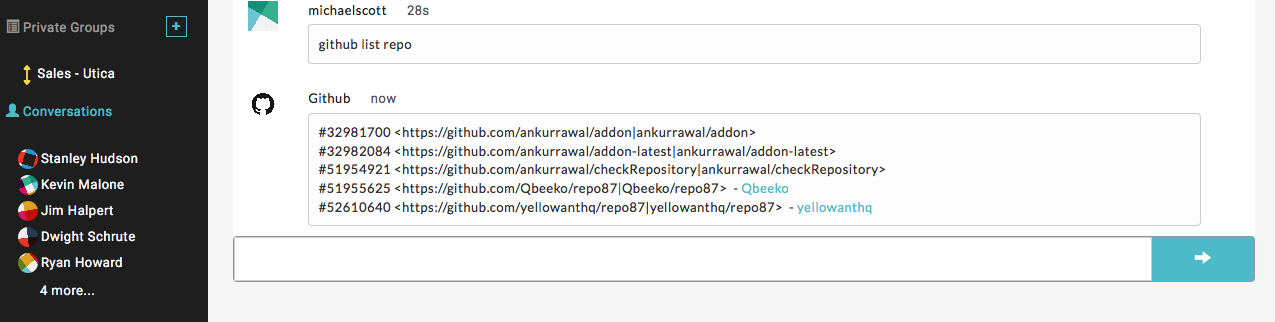
github list repo- List your repositories that you own or part of on Github.
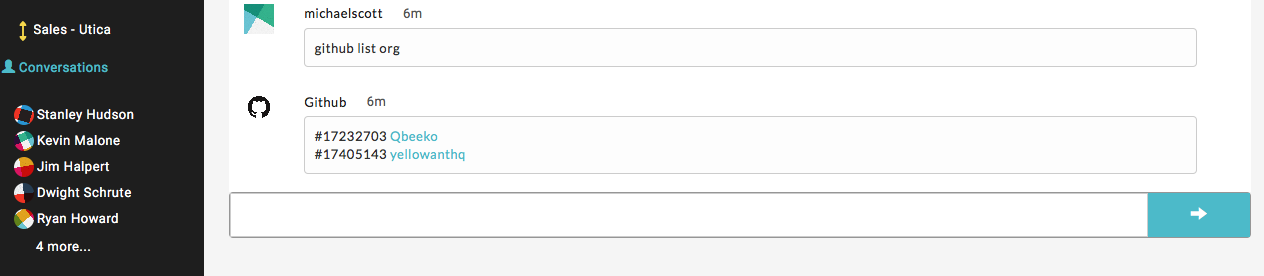
github list org- List your organization that you are part of on Github.
github create issue --repo "<repo full name>" --title "<Title of Issue>" --body "<Body content of Issue>" --assignee "<User name of user you want to assign issue to>"- Create Github issue for a repositories.
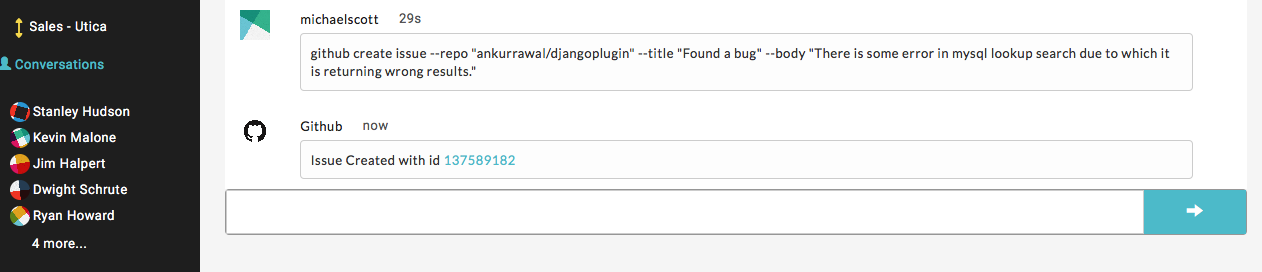
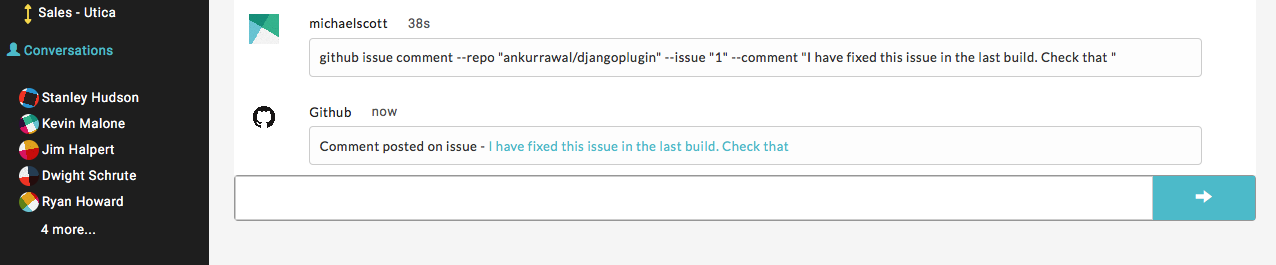
- `github issue comment --issue "
" --repo " " -comment " "
- `github list issues --repo "
" --org " "

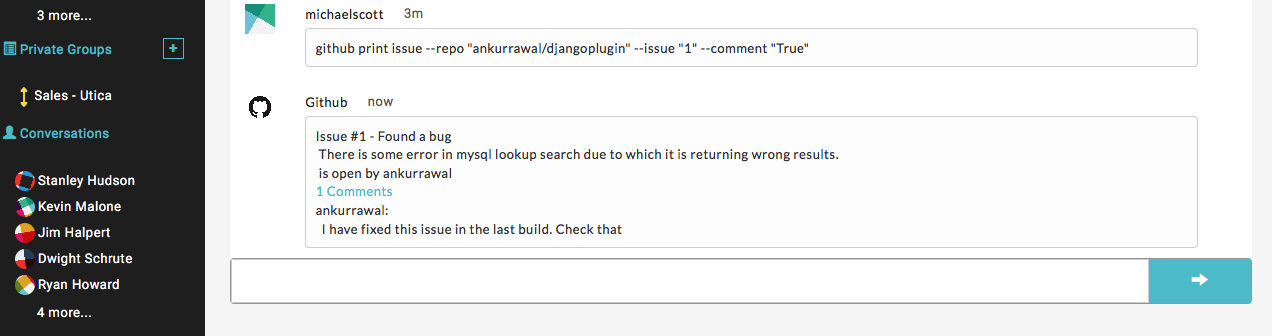
- `github print issue --repo "
" --issue " " --comment " "
YellowAnt Bot with Slack
YellowAnt Bot can be used with a set of command.
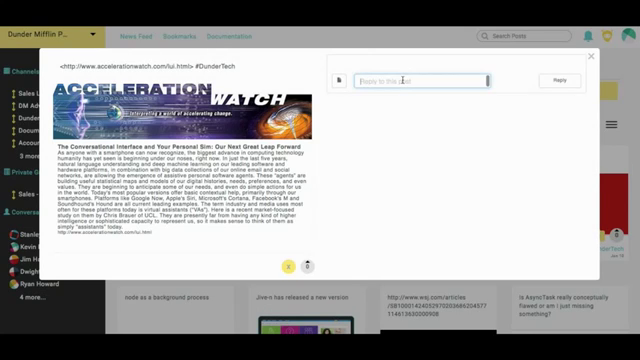
Archive- How to archive a message.
@yellowant: <http://www.accelerationwatch.com/lui.html> #DunderTech
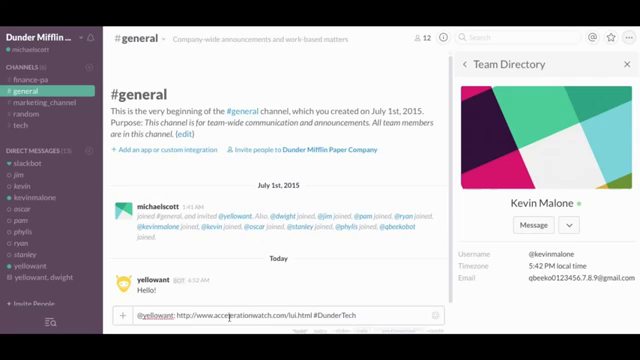
You can view how that post will look like on YellowAnt
Record Conversation- How to record a conversation.
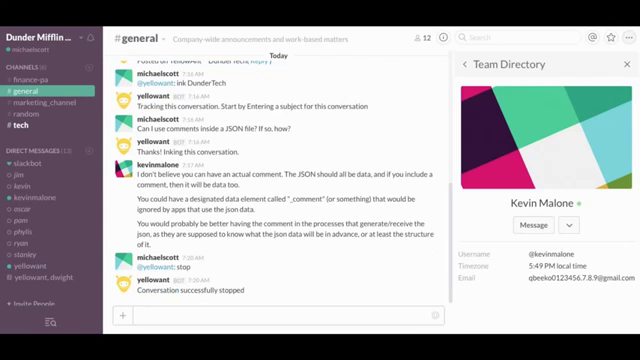
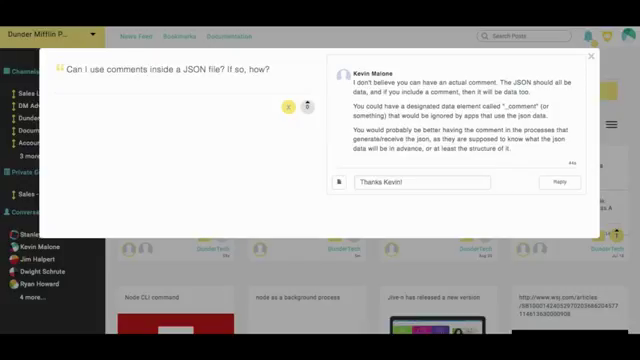
@yellowant: ink DunderTech
Any discussion happen after this command will be saved as comments to the post created above.
To stop recording conversation, ask YellowAnt to stop
@yellowant: stop
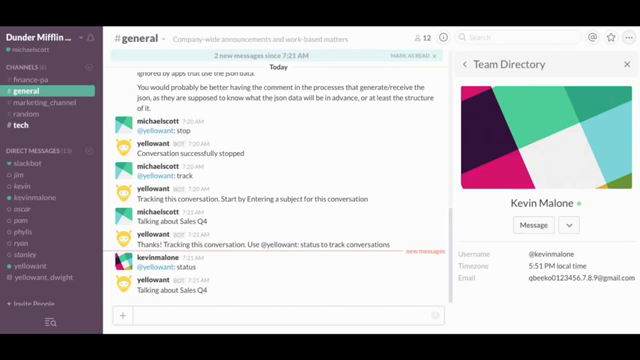
*Track Conversations - How to track a conversation without recording.
@yellowant: track
If any new person comes in to the Space and if he wants to check if any important conversation is going on, the person can check with simple command
@yellowant: status
To stop tracking use
@yellowant: stop
YellowAnt bot tutorial